
9 Reasons to Choose Our Free VPS for Personal Computing
Access your virtual PC from anywhere, anytime. Full remote desktop functionality with Windows or Linux.
Your VPS is ready within minutes. No waiting, no complications - just instant access to your virtual PC.
Complete administrative control over your VPS. Install any software, configure settings as you need.
Choose between Windows Server or popular Linux distributions. Switch between OS anytime you want.
Get up to 1TB SSD storage for all your files, applications, and projects. Never worry about space.
Start using your VPS immediately without any payment information. Completely free to get started.
Powered by enterprise-grade processors and SSD storage. Experience lightning-fast performance.
No bandwidth limits or data caps. Download, upload, and stream as much as you need.
Our technical support team is available 24/7 to help with any VPS-related questions or issues.
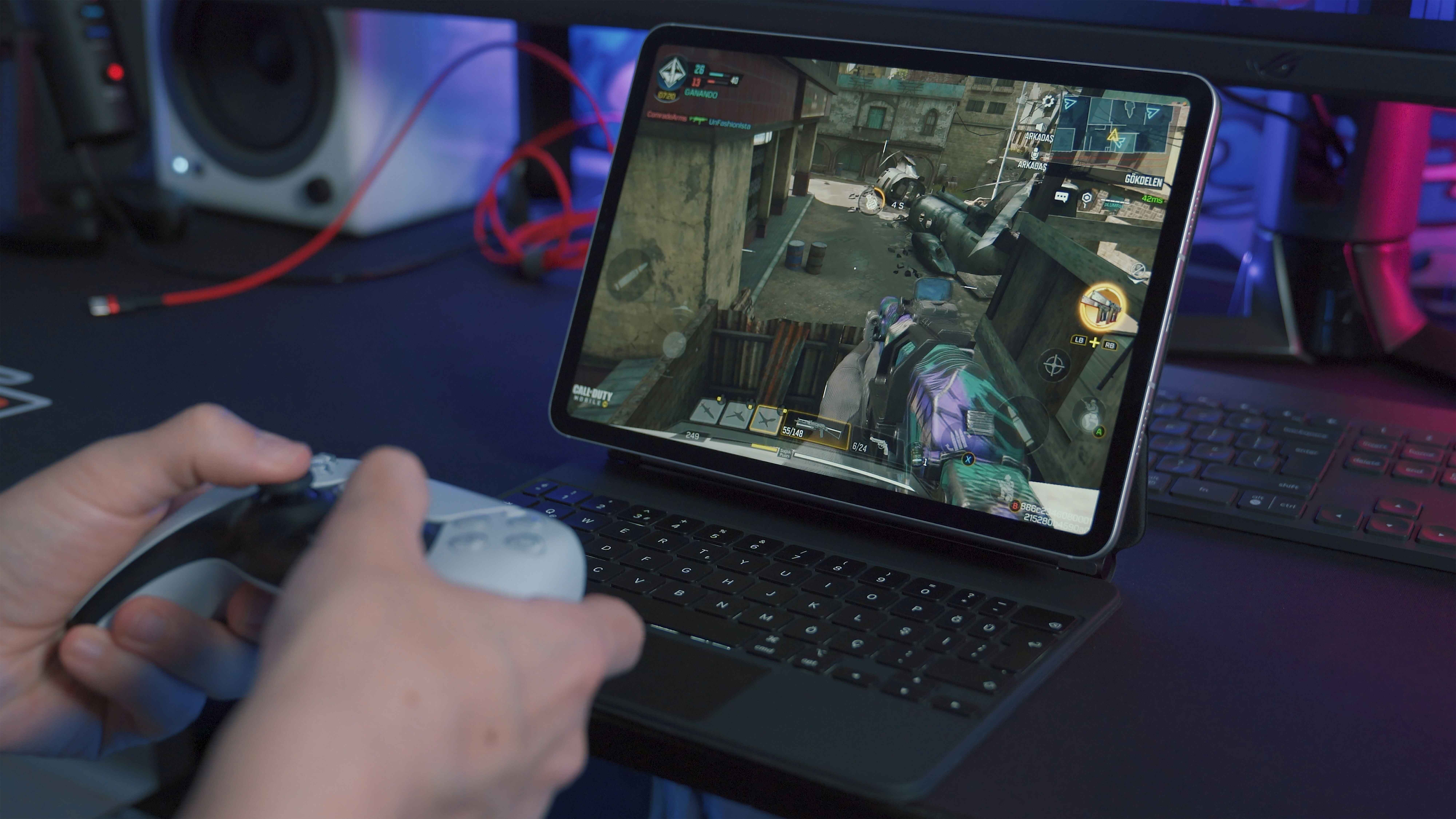
Absolutely! Our premium plans support Windows Server with full RDP access. Connect from any device - Windows, Mac, Linux, or even mobile. Enjoy the full Windows desktop experience with graphical interface, software installation, and administrative privileges.
Control your VPS like a pro with our intuitive management panel. Restart, reinstall OS, monitor resources, manage backups, and configure settings - all from one simple dashboard.
Try our VPS free for one month and experience hassle-free virtual computing.

VPSWALA delivers enterprise-grade VPS performance with NVMe SSD storage and high-speed processors. Whether you're running applications, browsing, or working remotely, experience smooth, lag-free performance every time.

No credit card. No commitments. No hassle. Get instant access to your virtual PC with full administrative control. Perfect for remote work, development, testing, or personal projects.
Below are some Frequently Asked Questions about our VPS for PC service.
A VPS for PC is a virtual private server that functions as your personal computer in the cloud. You can access it remotely from anywhere with full control, install software, and use it just like a physical PC.
Yes! Our starter VPS plan is completely free with no hidden costs. You can upgrade to premium plans anytime for additional features like Windows RDP, more resources, and priority support.
The free plan includes Linux distributions only. Windows Server with RDP access is available on our premium plans. You can try it free for the first month with our special offer.
For Linux VPS, you can access via SSH using terminal or SSH clients like PuTTY. For Windows VPS, you use Remote Desktop Connection (RDP) which provides a full graphical interface.
You can use it for remote work, software development, hosting websites/applications, running bots, data processing, testing software, learning Linux/Windows server administration, and much more.
Basic computer knowledge is helpful, but not required. We provide tutorials, documentation, and 24/7 support to help you. Our control panel makes VPS management easy even for beginners.
Absolutely! Your VPS is isolated from other users, includes DDoS protection, and we provide regular backups. You have full control over security settings and can implement additional measures as needed.
Yes, you can upgrade or downgrade anytime. All your data, files, and configurations are preserved during the transition. The change takes effect immediately.
We support Ubuntu, Debian, CentOS, Rocky Linux, AlmaLinux, and Fedora for Linux. Windows Server 2019 and 2022 are available on premium plans. You can switch OS anytime via the control panel.
Our VPS servers use enterprise-grade hardware with NVMe SSD storage and high-performance CPUs. You'll experience fast boot times, quick application loading, and smooth multitasking.
Premium plans include unlimited bandwidth. The free plan has fair usage limits to ensure quality service for all users. Check your plan details for specific bandwidth allocations.